




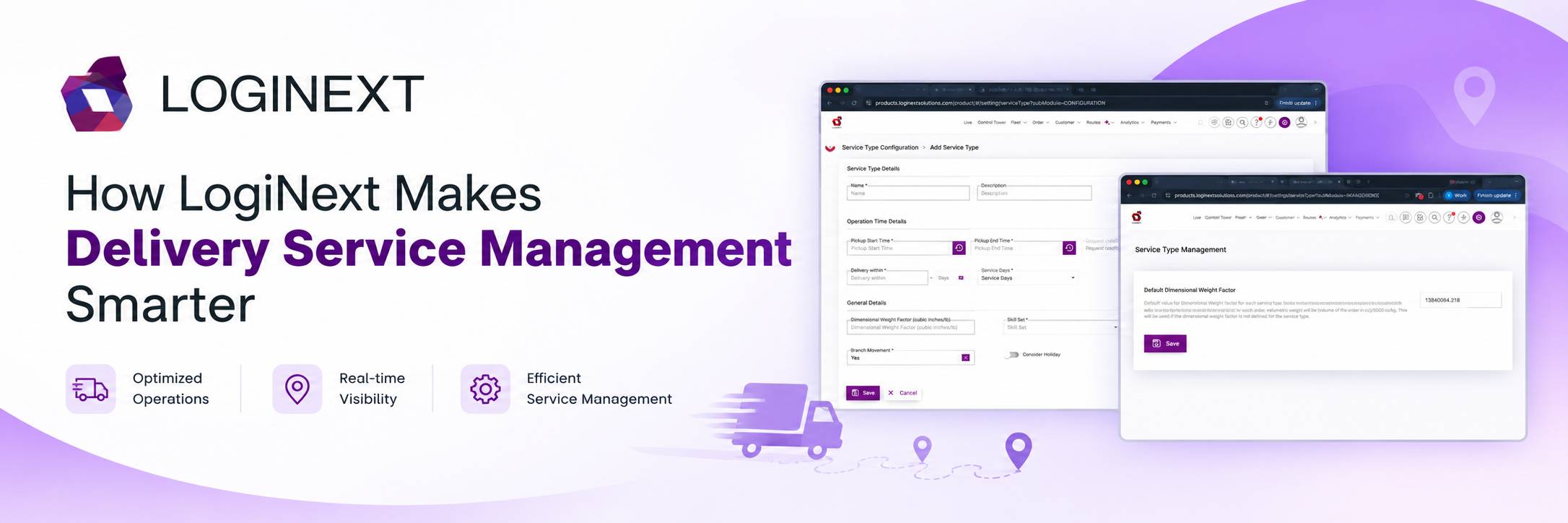
How LogiNext Makes Delivery Service Management Smarter
They sound like three simple buttons customers can choose at checkout. For the operations team, however, each one can mean a completely different set of rules. Delivery management software helps businesses turn these delivery promises into operational workflows. It does by defining when a service is available, when an order becomes eligible, how long delivery can take, and how the delivery should be executed.
With LogiNext, businesses can configure Service Types around pickup windows, request cutoffs, delivery commitments, Service Days, Branches, skills, holidays, assignment methods, and Shipper availability. Because “same-day” isn’t really a service until your operation knows what same-day actually means.
Key Takeaways
- Service Types turn delivery promises into operational rules. Instead of simply offering Standard, Express, or Same-Day delivery, businesses can define the exact conditions under which each service operates.
- Delivery commitments can be precisely configured. Pickup windows, request cutoffs, Delivery Before, Delivery Within, and Service Days help align customer-facing promises with operational capacity.
- Service availability can be controlled at multiple levels. Businesses can determine which Shippers and Branches can use a Service Type and on which days it is available.
- Execution can be tailored to each service. Skill Sets and Milestone Assignment options allow different delivery services to follow different execution workflows.
- Operational exceptions can be built into the service. Dimensional Weight Factors, Branch Movement, and holiday rules help account for real-world delivery requirements.
- LogiNext connects the promise to the execution. By configuring Service Types within the delivery management software, businesses can make sure the delivery option selected by a Shipper translates into clear, executable operational rules.
Why Delivery Service Options Need More Than a Name
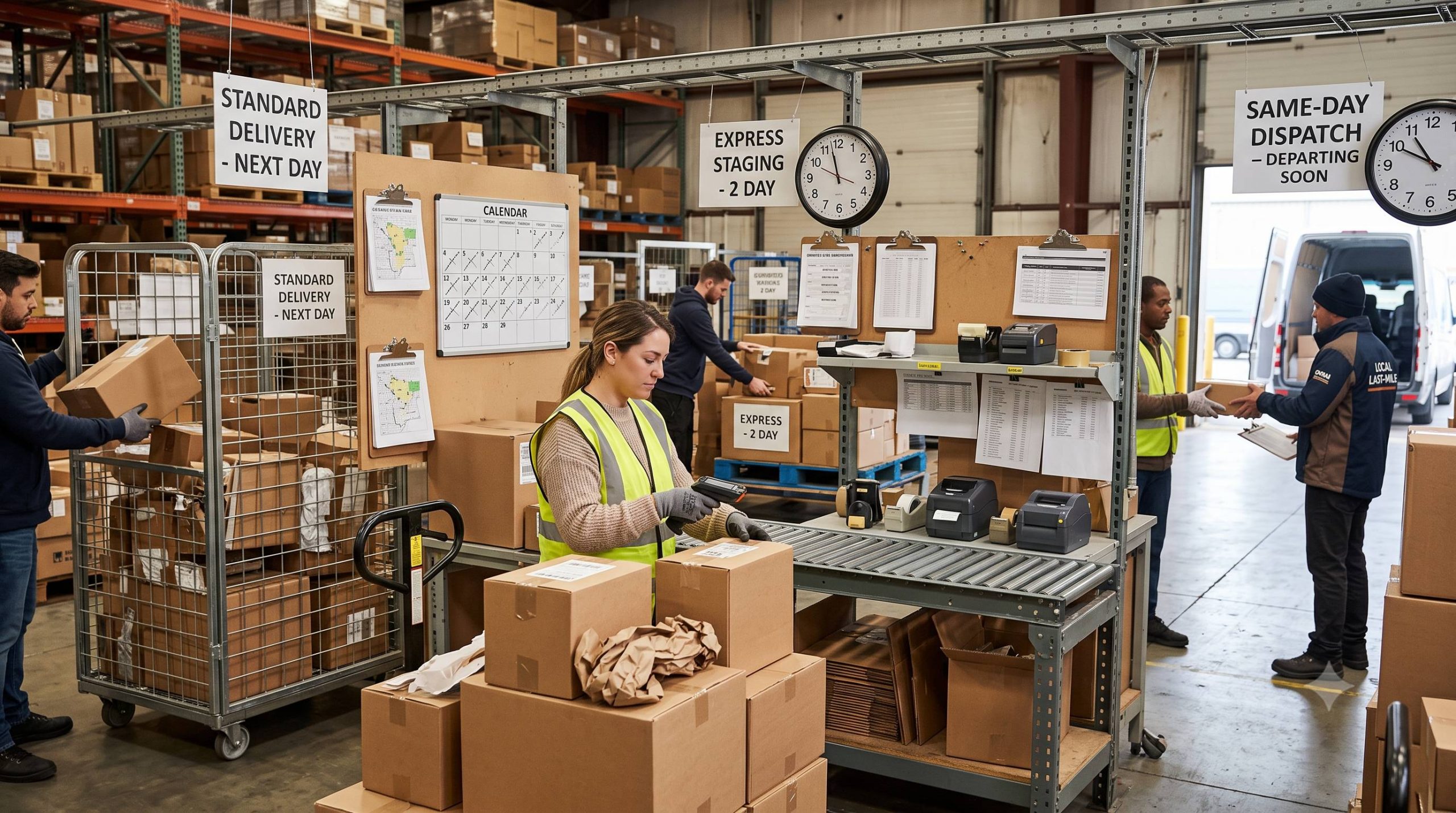
Customers increasingly expect businesses to give them delivery choices that match their schedules.
According to DHL’s 2025 E-Commerce Trends Report, 81% of global shoppers abandon a purchase when their preferred delivery option isn’t available. The report surveyed 24,000 online shoppers across 24 markets.
So, offering Standard, Express, or Same-Day delivery isn’t simply about giving customers more buttons to click. Those options need to reflect what the delivery operation can actually execute.
Take Same-Day delivery.
If customers can place a Same-Day request at any time, but the fulfillment operation only accepts requests until 1 PM, there’s a problem. If the service promises delivery by 8 PM but the operation has no way of enforcing that commitment, there’s a bigger one.
A Service Type solves this by turning the promise into a set of operational rules.
What Are Service Types in Delivery Management Software?
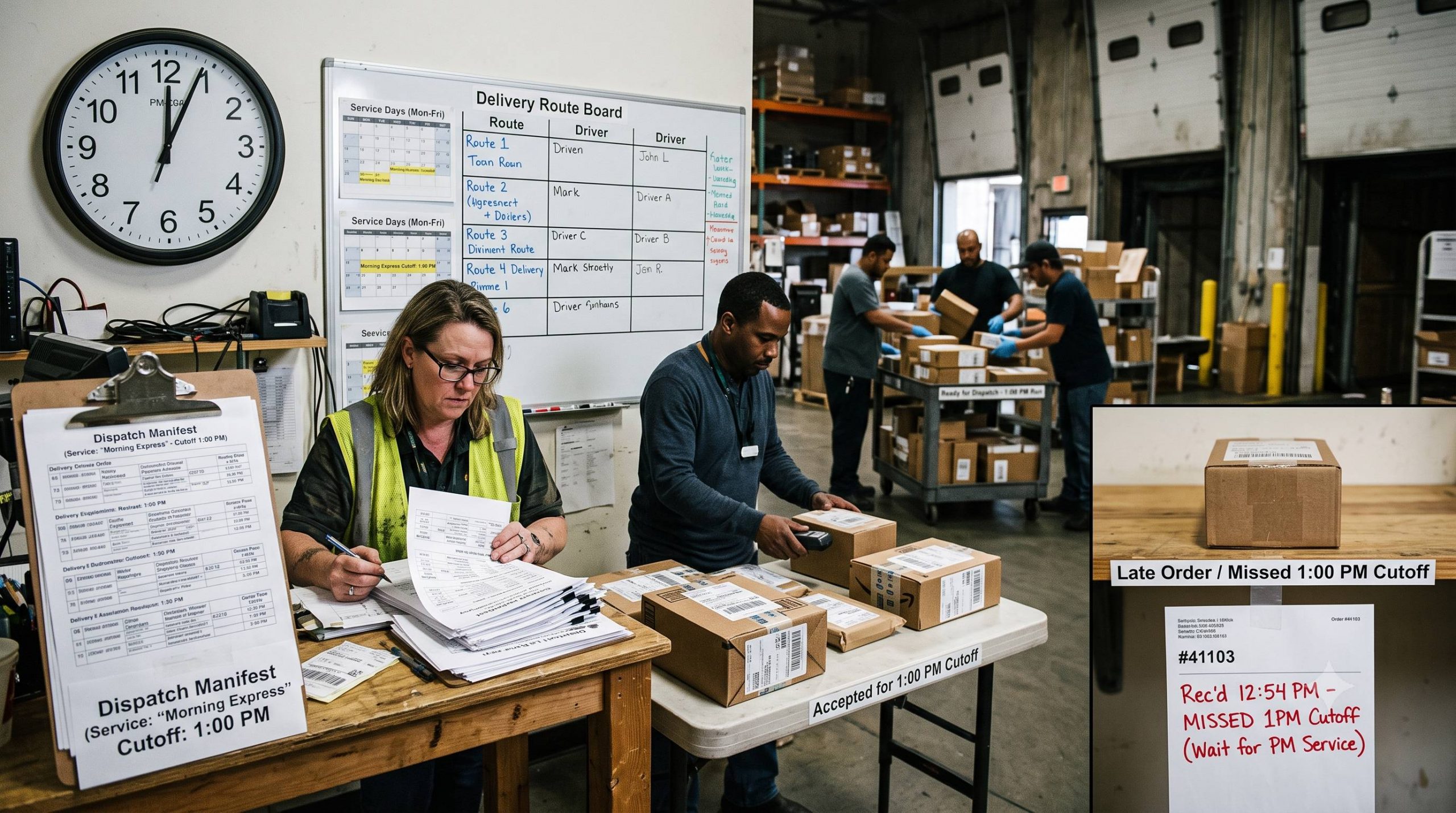
Service Types are configurable delivery options that define how and when a particular delivery service operates.
Businesses can create Service Types such as:
- Standard delivery
- Express delivery
- Same-day delivery
But the real value lies underneath those names.
A Service Type can define:
- Pickup start and end times
- Request cut off time
- Deliver-before time
- Delivery-within duration
- Service days
- Skill sets
- Branch availability
- Milestone assignment
- Dimensional Weight Factor
- Holiday behavior
- Shipper availability
In other words, Service Types turn delivery options into operational rules.
How Service Types Work in LogiNext
LogiNext lets businesses configure Service Types based on the actual requirements of each delivery service.
1. Define When a Service Can Be Requested:
The first question is simple: When can customers or Shippers actually use this service? The Pickup Start Time and Pickup End Time define the pickup window.
Next is the Request Cutoff Time. This sets the latest time a user can place a Milestone and still qualify for that Service Type.
For example, suppose Same-Day delivery has a 1 PM request cutoff. A Milestone placed before 1 PM can remain eligible for Same-Day delivery. A request placed after the cutoff won’t qualify for that Service Type.
This prevents an operation from making delivery commitments that it can no longer realistically fulfil.
2. Define What “On Time” Actually Means:
“Within two days” and “by 11 AM tomorrow” aren’t the same promise. LogiNext allows businesses to configure both Delivery Within and Delivery Before.
For example, a Standard Service Type could be configured with:
- Delivery Within: 2 Service days
- Delivery Before: 11 am
A Milestone placed on Monday before the applicable cutoff can therefore have a delivery commitment of Tuesday by 11 AM.
If Delivery Before isn’t specified, Delivery Within can still define the delivery timeframe. If you don’t configure Delivery Within, the system defaults it to 0 minutes, so it doesn’t affect the delivery commitment.
This gives businesses more precision when defining different SLA models for different services.
3. Decide Which Days the Service Operates:
Not every delivery service needs to run every day. With Service Days, businesses can decide when a Service Type is operational. For example:
- Standard: Monday to Saturday
- Express: Monday to Friday
- Same-Day: Monday to Saturday
This is especially useful when premium services depend on specific operating schedules or fulfilment capacity.
4. Control Where the Service is Available:
A business may offer Same-Day delivery in one location but not another. That’s where Branches come in.
A Service Type can be configured for specific Branches, allowing businesses to control where that service is available.
This is useful for networks where only certain fulfilment centres, warehouses, or hubs have the inventory, fleet capacity, or operational setup required to support a particular service.
And Branch availability can work alongside Shipper-specific availability.
Different Shippers, Different Delivery Options
Not every Shipper needs access to every Service Type. LogiNext allows businesses to link specific Service Types to specific Shippers.
For example, one Shipper could have access to Standard, Express, and Same-Day delivery, while another may only have Standard delivery.
When a Shipper creates a Milestone request, they can select only from the Service Types linked to them. This gives businesses more control over their service catalogue without creating separate operational setups for every Shipper.
It also helps prevent a classic operational headache: offering a service to someone who shouldn’t be able to request it in the first place.
Service Types Can Influence How Deliveries Are Executed
Service Types aren’t only about customer-facing promises. They can also define how Milestones enter the delivery operation. LogiNext supports three Milestone Assignment options:
1. Manually assign the milestone to a trip.
2. Auto-assign to an existing route, based on the configured auto-assignment settings
3. Auto-assign the nearest delivery associate, based on the auto-assignment profile.
Businesses can also associate Skill Sets with Service Types. That’s useful when a particular service requires a delivery associate with specific capabilities or handling expertise.
So the Service Type can influence both when a delivery needs to happen and how it gets executed.
What About Weight, Branch Movement, and Holidays?
Service Types also include several operational controls that can be easy to overlook.
Dimensional Weight Factor:
Businesses can configure a Dimensional Weight Factor for a Service Type.
If one isn’t configured at the Service Type level, LogiNext uses the default factor from Service Type Management. If that isn’t configured either, the metric default is 5000 cc/kg, with conversion based on the applicable unit system.
Branch Movement:
For End-to-End accounts, Service Types can also specify whether they involve Branch Movement.
The setting indicates whether branch-to-branch movement forms part of the Milestone journey. It is set to Yes for All Mile Milestones and No for others.
Holiday Handling:
The Consider Holiday setting determines how Shipper holidays affect Service Type availability. When enabled, the Service Type becomes unavailable on holidays listed in the associated Shipper’s Holiday Calendar.
When disabled, the Service Type can remain available even when the Shipper’s calendar shows a holiday. But there’s an important catch: this setting doesn’t override Branch holidays.
If a Branch involved in the Milestone route is closed because of a holiday, the Service Type remains unavailable that day. Because apparently even logistics software needs to know that a closed warehouse is, in fact, closed.
A Service Type is More Than “Express”
Consider a retailer creating a Same-Day Grocery Service Type. It could be configured with:
- Pickup window: 9 AM–1 PM
- Request cutoff: 1 PM
- Delivery Before: 8 PM
- Service Days: Monday–Saturday
- Branches: Selected fulfilment Branches
- Skill Set: Refrigerated handling
- Assignment: Nearest Delivery Associate
- Availability: Selected Shippers
Now “Same-Day” isn’t just a label.
The system understands when the service can be requested, where it can operate, what capabilities may be required, how the Milestone can be assigned, and when the delivery needs to be completed.
That’s the real difference between offering a delivery service and operationalising it.
Why Service Types Matter for Delivery Management with Delivery Management Software
A configurable Service Type can help businesses turn broad delivery promises into precise operational commitments. The benefits include:
- Better SLA control: Define exactly when deliveries need to be completed.
- More flexibility: Offer multiple delivery speeds and schedules.
- Controlled availability: Restrict services by Shipper, Branch, or Service Day.
- Smarter execution: Connect services with skills and assignment methods.
- More consistency: Replace manual interpretation with defined rules.
- Better customer experience: Offer delivery choices that the operation can actually support.
This becomes increasingly important as delivery expectations rise. The World Economic Forum has projected that urban last-mile delivery demand could increase by 78% by 2030, highlighting the pressure on delivery networks to handle more volume efficiently.
More deliveries mean more complexity. More service options mean even more rules. That’s exactly why those rules need to be system-driven.
How to Configure a Service Type in LogiNext
Creating a Service Type in the Dispatcher Web App takes five steps:
- Go to Settings
- Under Module Configuration, select Service Types → Service Type Configuration.
- Click Add.
- Configure the required Service Type parameters
- Click Save.
Once created, you can link the Service Type to the appropriate Shippers during Shipper configuration or updates. The important part isn’t creating another option in a dropdown. It’s defining what that option actually means operationally.
Also Read: LogiNext Logistics Software: Key Delivery KPIs for Enterprises in 2026
Frequently Asked Questions
1. What are Service Types in delivery management software?
Service Types define different delivery options based on factors such as speed, operating days, pickup windows, cutoffs, and SLA commitments. They turn delivery promises into configurable operational rules.
2. Can different Shippers have different Service Types?
Yes. LogiNext allows Service Types to be linked to specific Shippers. Shippers can then select only from the Service Types available to them when creating Milestone requests.
3. What is the difference between Delivery Before and Delivery Within?
Delivery Before specifies a particular delivery deadline, such as 11 AM. Delivery Within defines the duration within which delivery should occur, such as within two Service Days.
4. How does LogiNext help manage Service Types?
LogiNext lets businesses configure Service Types around timing, SLAs, Shippers, Branches, skills, assignment methods, holidays, dimensional weight, and Branch movement, connecting delivery promises with execution.
Conclusion
Customers don’t necessarily need every delivery to be the fastest possible. They need the right delivery option to be available and delivered as promised.
That requires more than route planning and tracking. It requires delivery management software that can translate different service promises into practical operational rules.
LogiNext’s Service Types give businesses that control, helping them define everything from request cutoffs and SLA commitments to Shipper availability, Branch restrictions, assignment logic, and holiday behavior.
Ready to make your delivery promises more precise and your operations easier to manage? Talk to LogiNext to see how its delivery management platform can help.
 |  |  |




@LogiNext