




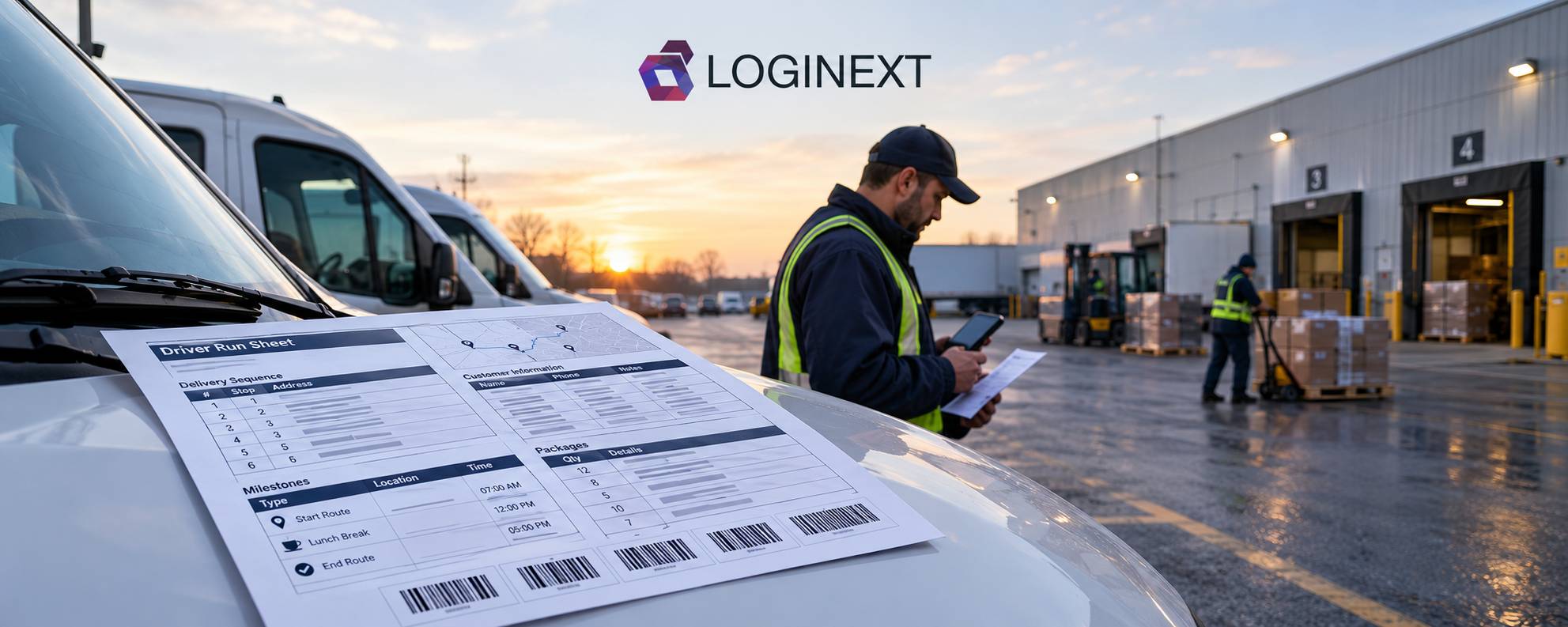
How LogiNext Delivery Software Brings Clarity to Driver Run Sheets
Delivery software has made route planning, dispatch, and tracking smarter. Yet when drivers head out at 6:12 AM, one old-school challenge can remain: knowing exactly what needs to happen on the road. The Driver Run Sheet, or Delivery Run Sheet, bridges the gap between a digitally planned trip and real-world execution. If it is unclear or hard to adapt, even a well-planned delivery can stumble.
LogiNext simplifies this handoff with configurable Delivery Run Sheets that organize trip, customer, milestone, and delivery information. With customizable templates, dynamic tags, barcodes, and AI-assisted template creation through Template Copilot, LogiNext turns the run sheet into a practical tool for delivery execution.
Why Driver Run Sheets Still Matter
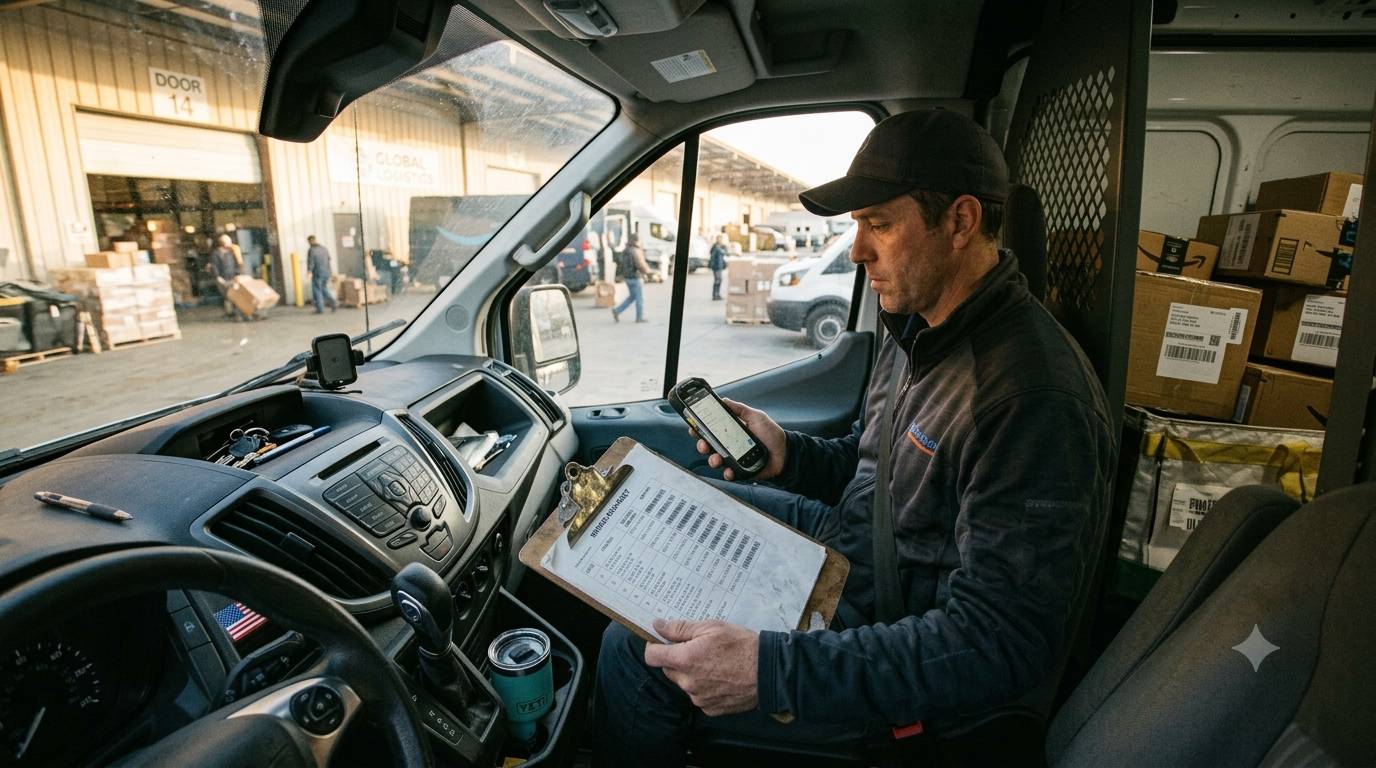
A Driver Run Sheet is more than a document listing stops. It gives a delivery associate the information needed to execute a trip, including the delivery sequence, customer details, assigned trips, milestone information, and delivery instructions.
That makes the run sheet an important link between dispatch and execution.
The problem? Traditional run sheets can become a patchwork of spreadsheets, PDFs, handwritten notes, and last-minute instructions. When every operation creates its own version, consistency quickly disappears.
And logistics already has enough moving parts without making the paperwork one of them.
What Should a Modern Driver Run Sheet Include?
A useful Driver Run Sheet should give drivers the right information without making them hunt for it. At a minimum, it should provide:
- A clear pick up and delivery frequency
- Customer and trip details
- Relevant milestone information
- Delivery instructions
- Operational identifiers such as barcodes where required
- A consistent format across trips and teams
It should also be flexible enough to reflect different operational requirements. A business shouldn’t have to redesign its entire workflow simply because the information needed on its run sheet changes.
That’s where modern delivery management software can make a difference.
How LogiNext Delivery Software Modernizes the Run Sheet

LogiNext turns the Delivery Run Sheet from a generic document into a configurable operational tool. Instead of relying on a single fixed format, teams can create and manage templates around their specific requirements.
1. Create Run Sheets That Fit Your Operation:
LogiNext lets teams configure multiple Delivery Run Sheet templates with elements such as:
- Company logos
- Color themes
- Required operational details
- Barcodes
- Dynamic fields
- Custom HTML layouts
Two predefined templates are available by default, while teams can also use an existing template as a starting point or create one from scratch. This matters because standardization doesn’t have to mean one-size-fits-all.
Different teams can maintain formats suited to their operational needs while still working within a consistent system.
2. Populate the Right Information With Dynamic Tags:
A template is only useful when the information inside it is useful.
LogiNext templates use predefined dynamic tags to populate relevant information. Teams can select available tags for elements such as logos, print date and time, serial numbers, barcodes, skill sets, and other supported fields.
For milestone-level information, the required attributes can be placed within <OrderDetails>. This allows information for all milestones in a trip to populate in sequence.
The result is a run sheet built around actual trip data rather than a blank document waiting for someone to fill it in manually.
3. Build and Modify Templates With Template Copilot:
Here’s where the humble run sheet gets a decidedly less humble upgrade.
LogiNext’s Template Copilot helps teams create and modify Delivery Run Sheet templates without requiring every change to become a development task.
Teams can:
- Start with an existing template or create a new one.
- Edit the HTML directly.
- Describe desired changes in natural language through Template Copilot.
- Generate updated HTML and applicable dynamic tags.
- Preview the result before using it.
- Upload up to three reference files to guide the template design.
- Use AI suggestions while editing.
That means an operations team can spend less time wrestling with document formatting and more time deciding what information the driver actually needs.
4. Generate the Right Run Sheet for the Right Trip:
Once the template is ready, generating a Delivery Run Sheet is straightforward. From the Dispatcher Web App:
- Open Routes.
- Select All Trips.
- Choose the required trip or trips.
- Click Print Delivery Run Sheet.
- Select the required template.
- Click OK.
- Choose whether to print or download the run sheet.
Teams can also switch between configured templates when generating the document. Drivers can use Print Delivery Run Sheet from the Driver App as well.
From Route Planning to Real-World Execution
This is the bigger point behind better Driver Run Sheets.
Delivery software can help businesses plan and manage complex delivery operations. But a route plan still has to become action. Someone needs to know which stop comes next, which customer is involved, what information matters at that milestone, and what instructions need to be followed.
The Driver Run Sheet sits right in that gap between digital planning and physical execution.
A better run sheet doesn’t replace route optimization or delivery visibility. It makes the information generated by the operation easier to put into practice.
And when teams can configure that document around their own workflows, the process becomes much less dependent on manual workarounds.
Traditional Run Sheets vs. LogiNext
A Driver Run Sheet may look simple, but how it is created affects how easily drivers and dispatchers can use it. Traditional run sheets often rely on fixed formats and manual updates, while LogiNext makes them configurable and data-driven. Here’s how the two approaches compare.
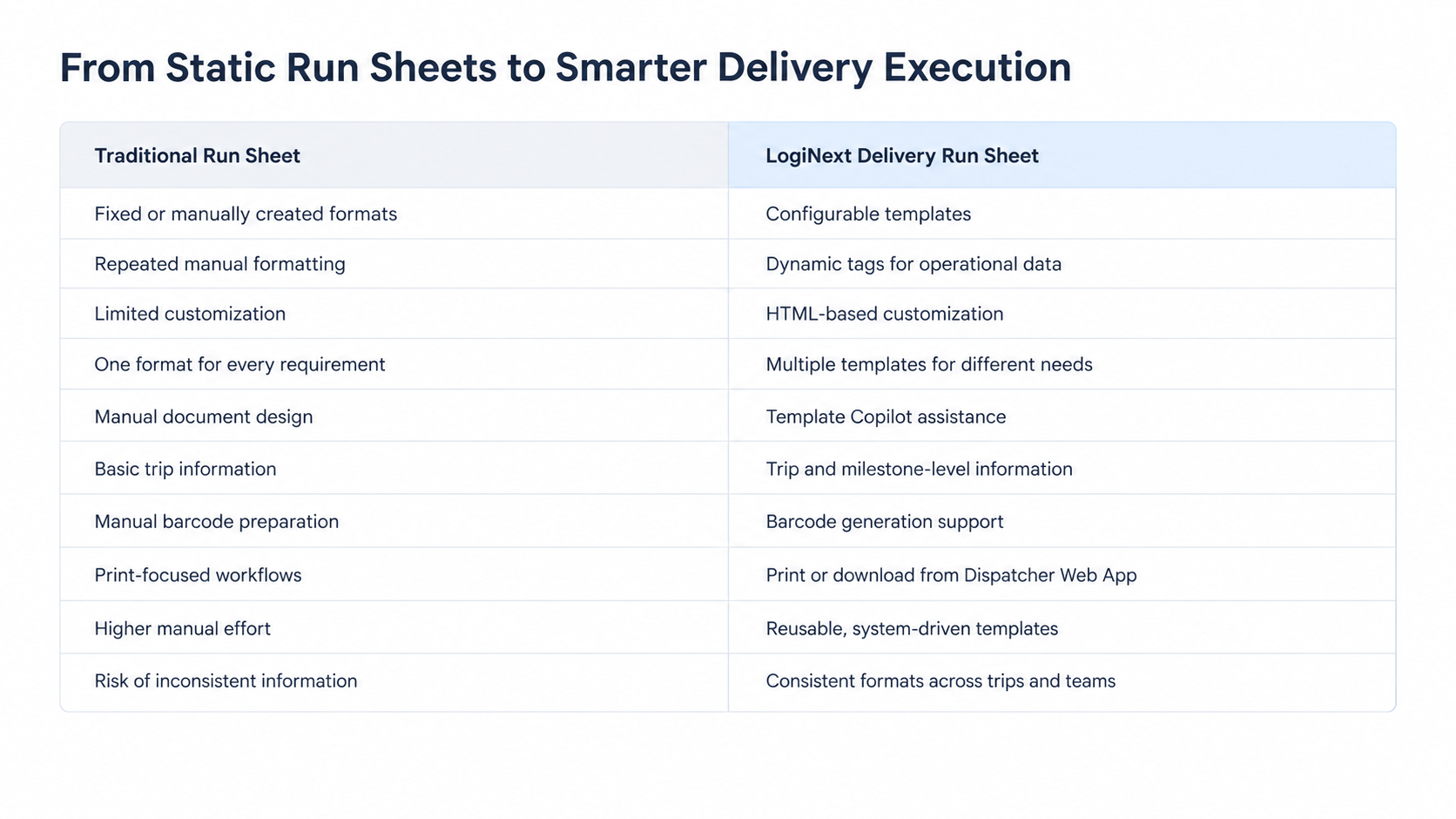
The difference is simple: traditional run sheets document the delivery, while configurable run sheets can actively support its execution. With LogiNext, teams can give drivers clearer, more relevant information without adding more manual work.
Frequently Asked Questions
1. What is a Driver Run Sheet?
A Driver Run Sheet is a document that provides the delivery associate with the information needed to execute a trip, including stop sequence, customer details, milestone information, and delivery instructions.
2. What is a Delivery Run Sheet?
A Delivery Run Sheet is LogiNext’s version of a driver run sheet. It can be configured using templates and populated with relevant trip and milestone information.
3. Can Delivery Run Sheets be customised?
Yes. LogiNext allows teams to create multiple templates with custom branding, colors, details, barcodes, HTML layouts, and dynamic tags.
Conclusion
A delivery operation can have sophisticated routing, tracking, and dispatch capabilities, but execution still depends on whether the right information reaches the person doing the work. That’s why the Driver Run Sheet deserves more attention.
With LogiNext delivery software, teams can move beyond rigid, manually maintained run sheets and create configurable Delivery Run Sheets that reflect their operational requirements. Dynamic tags, milestone-level information, barcodes, multiple templates, and Template Copilot give teams more control over how delivery information is structured and presented.
Because the goal isn’t simply to digitize another document. It’s to remove one more source of operational ambiguity. AI can predict the future. A modern Driver Run Sheet helps teams execute the present.
Ready to bring more clarity to delivery execution? Book a demo with LogiNext and see how its delivery software can help streamline the way your teams plan, dispatch, and execute deliveries.
 |  |  |




@LogiNext