




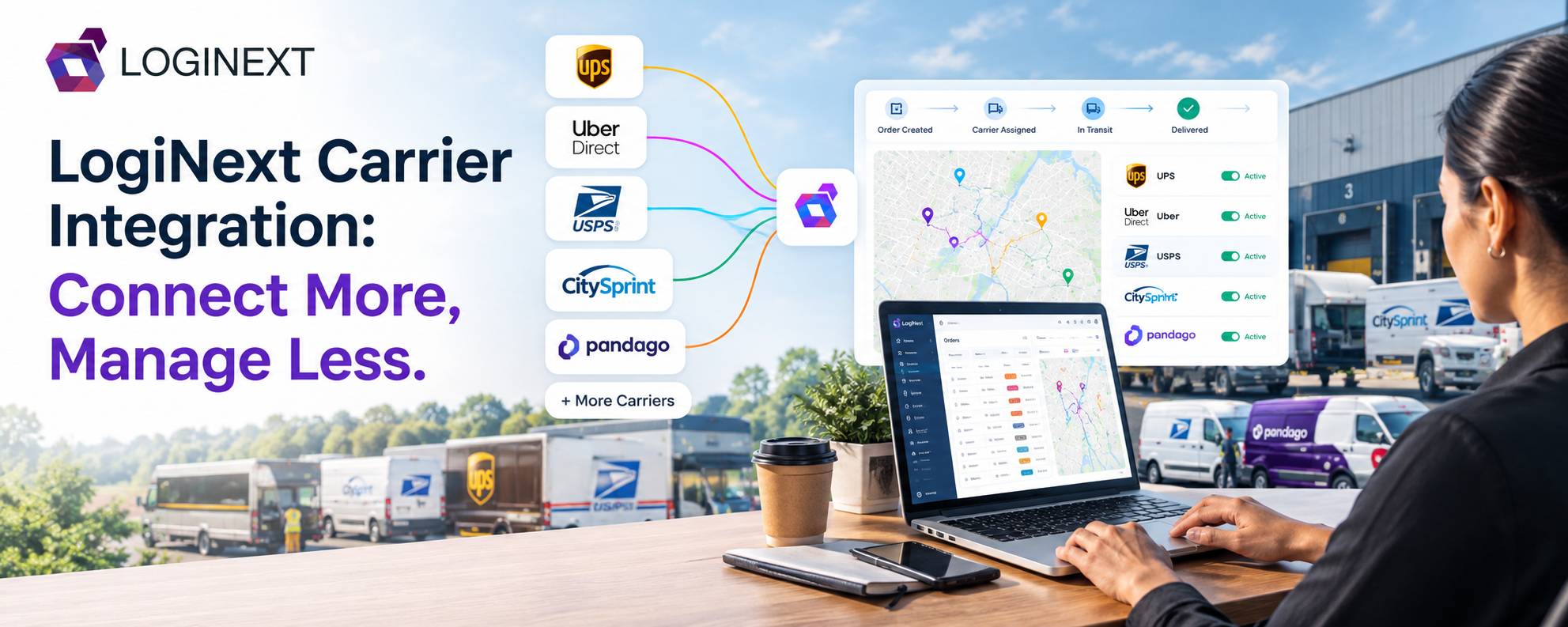
LogiNext Carrier Integration: Connect More, Manage Less
Managing one delivery carrier is straightforward. Managing several is where things get interesting. Carrier integration connects third-party delivery providers with a central logistics platform. Thereby, allowing businesses to automate order handoffs, synchronize delivery updates, and manage multiple carriers without constantly switching between systems.
And businesses have good reason to use more than one carrier. Delivery expectations now go beyond simply asking, “How fast can you deliver?” McKinsey’s 2025 research found that 90% of U.S. consumers surveyed were willing to wait two or three days for delivery, while reliability, shipping cost, and flexibility also ranked highly.
That means businesses need the flexibility to choose the right carrier for the right order. The challenge is making all those carrier relationships work together. That is where carrier integration comes in.
Key Takeaways
- Carrier integration connects third-party carriers with a central logistics platform.
- Multi-carrier integration reduces manual order entry and fragmented workflows.
- Integrations can support order handoffs, tracking updates, webhooks, authentication, and carrier-specific configurations.
- Intelligent carrier selection can help businesses match orders with suitable delivery partners.
- Centralized visibility makes it easier to manage internal and third-party delivery operations together.
- LogiNext’s Integration Marketplace brings multiple carrier connections into a centralized delivery workflow.
What Is Carrier Integration?
Carrier integration is the process of connecting a logistics or delivery management platform with external carriers so information can move automatically between the two systems.
Instead of manually entering an order into a carrier portal, teams can send order information through an integration. The carrier can then process the delivery and send relevant status information back to the central platform.
A typical one can support:
- Order creation and handoffs
- Carrier authentication
- Shipment and delivery status updates
- Tracking information
- Webhook-based notifications
- Carrier-specific services and configurations
- Cancellation workflows
- Delivery data synchronization
In simple terms, carrier integration connects the dots between your delivery operation and the carriers executing it.
Why Do Businesses Need Multi-Carrier Integration?
Using multiple carriers can give businesses more flexibility across cost, coverage, service levels, availability, and delivery speed.
But without integration, every new carrier can also mean another login, another API, another set of credentials, and another operational workflow.
That gets messy quickly.
Imagine an order that needs to be delivered today. One carrier might offer the best price. Another might have better coverage in that area. A third might have capacity when the others don’t.
The question isn’t simply “Which carriers do we use?” It’s “How do we connect and coordinate all of them efficiently?”
The customer doesn’t care which carrier portal your operations team had to open. They care that the order arrives when promised and that they can see what’s happening.
McKinsey found that around half of surveyed consumers track their orders to make sure shipments are progressing and remain on time. The same research found that consumers value on-time reliability more than simply receiving a delivery as quickly as possible.
So carrier connectivity isn’t just an IT concern. It directly affects delivery execution and customer experience.
How Does Carrier Integration Work?
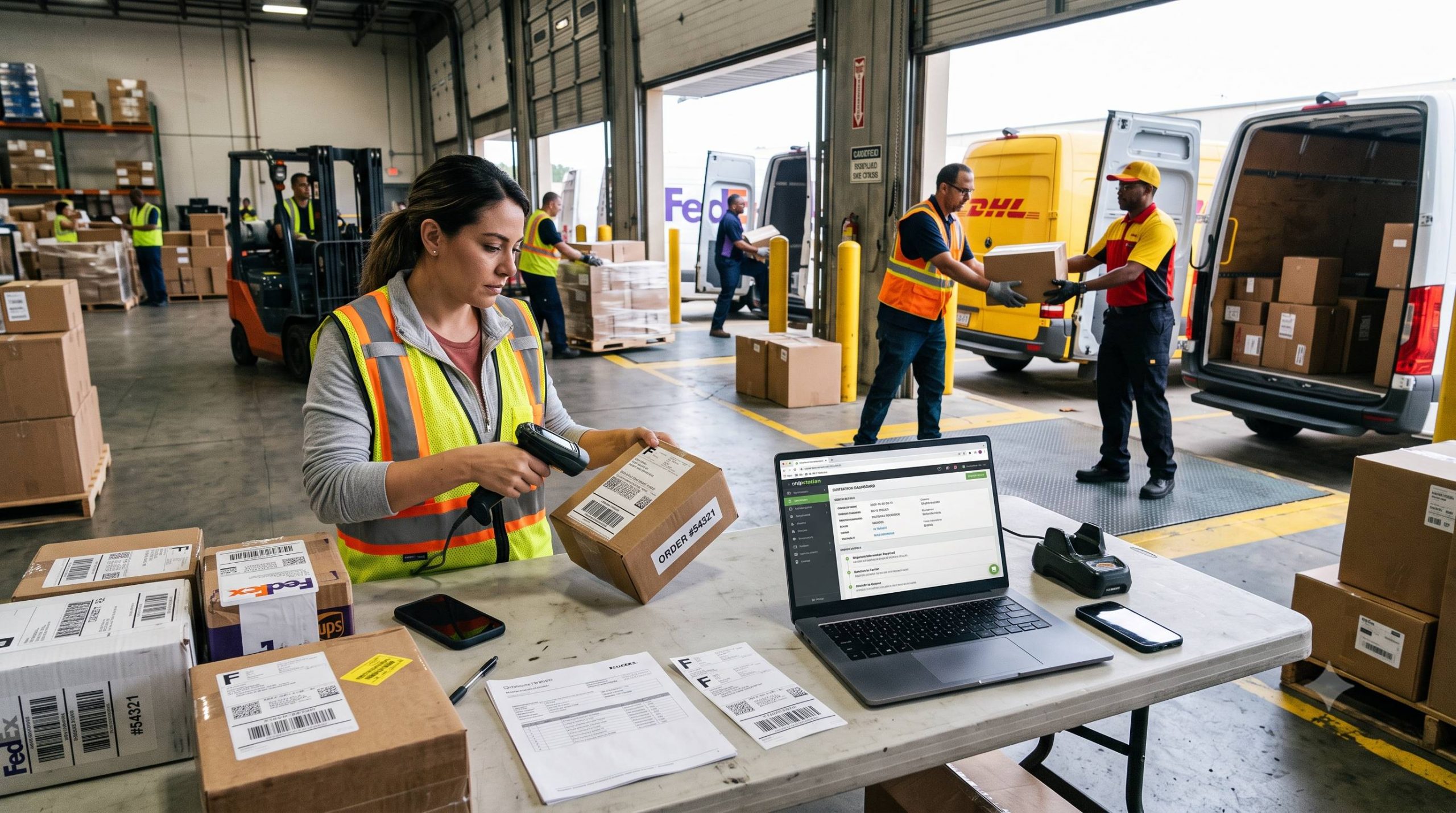
A well-designed integration turns multiple carrier connections into one manageable operational workflow.
1. Configure The Carrier:
The business first creates the carrier within its logistics platform and configures the required carrier information. Depending on the provider, this may include:
- API keys or tokens
- Client ID and Client Secret
- Environment or endpoint URLs
- Authentication URLs
- Service configurations
- Carrier-specific parameters
2. Configure Operational Requirements:
Some carriers require additional setup, such as carrier warehouses, custom fields, service types, or specific authentication methods.
Webhooks can also be configured where supported, allowing carriers to send delivery status updates back into the logistics platform.
3. Activate The Connection:
Once the required information is entered, the integration can be activated. Teams can also deactivate or update integrations when their operational requirements change.
4. Exchange Order Information:
Once connected, orders can be sent to the appropriate carrier without requiring operations teams to manually recreate the same information in another system.
5. Bring Tracking Information Back:
The integration can also bring carrier updates back into the central platform, giving dispatchers and operations teams visibility into externally fulfilled orders.
This two-way flow is important. A useful integration shouldn’t just send orders out. It should also bring delivery intelligence back in.
What Are the Benefits of Carrier Integration?
It can simplify sevral parts of delivery management.
1. Automated Order Handoffs:
Orders can be pushed to third-party carriers electronically, reducing repetitive data entry and minimizing the possibility of manual errors.
2. Integration Carrier Selection:
Businesses can assign orders based on operational objectives such as cost, carrier ranking, availability, or speed.
That means the carrier decision can become part of the planning process rather than a manual afterthought.
3. Centralized Delivery Management:
Internal fleet operations and third-party carrier deliveries can be managed from a common platform instead of forcing teams to jump between multiple carrier portals.
4. Real-Time Visibility:
Tracking events from integrated carriers can flow back into the central system. Thereby, helping operations teams monitor delivery progress and respond to exceptions.
5. Greater Operational Flexibility:
Businesses can add, activate, deactivate, or reconfigure carrier connections as their delivery network evolves.
This becomes increasingly valuable as logistics technology becomes more connected. DHL’s Logistics Trend Radar identifies visibility and connectivity alongside automation, AI, and other technologies shaping modern logistics.
How Does LogiNext Simplify Carrier Integration?
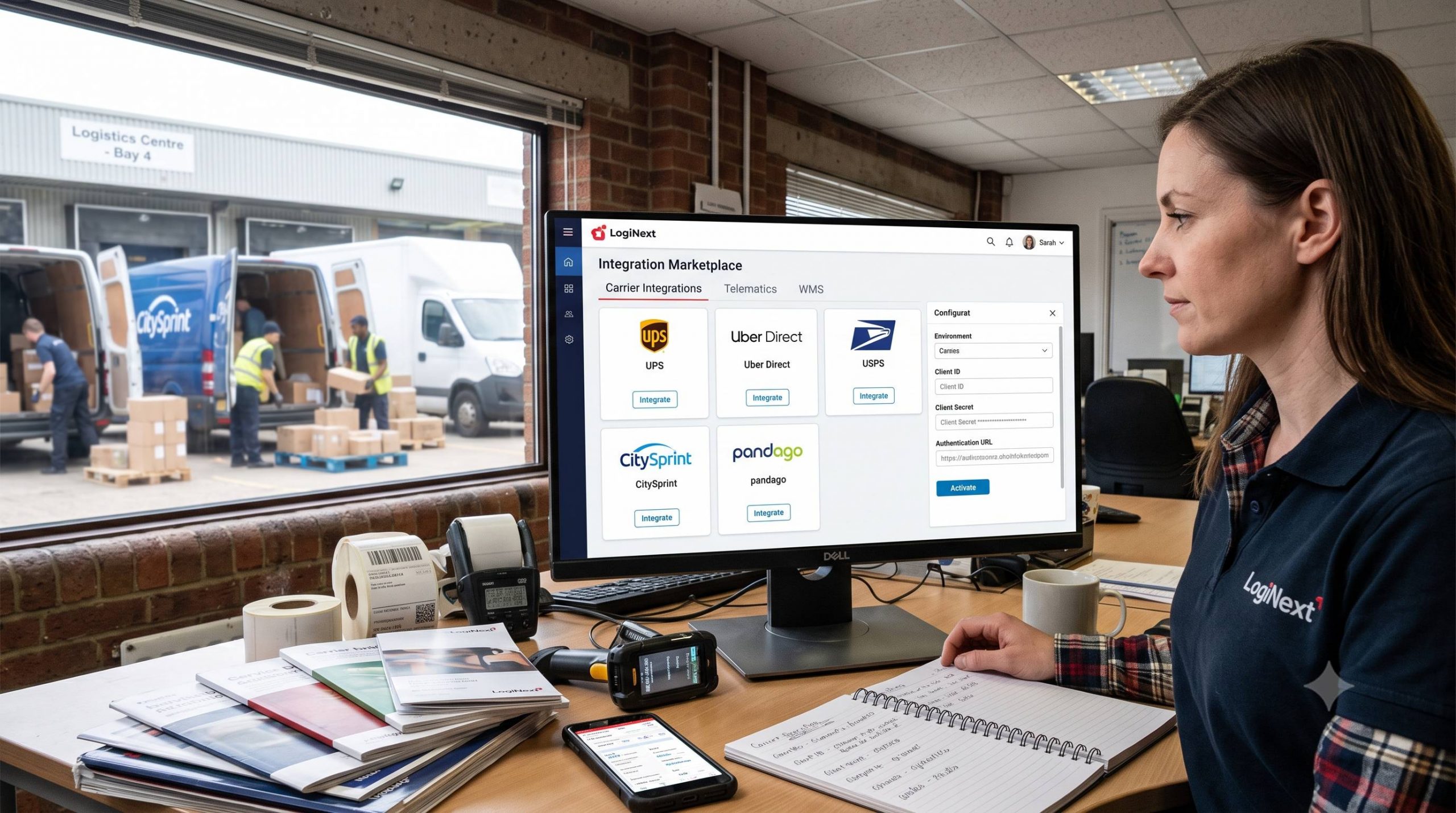
LogiNext brings carrier connectivity into its Integration Marketplace. Thereby, allowing businesses to connect supported third-party carriers from the Dispatcher Web App.
Depending on the marketplace configuration, available carrier integrations can include UPS, Uber Direct, USPS, CitySprint, pandago, GrabExpress, Wolt, Careem, Picup, Skedadel, and others.
The process starts before the actual integration. Businesses can create the carrier in Carrier Management, configure carrier warehouses, obtain authentication details, and create carrier-specific custom fields where required.
From there, the carrier can be configured and activated through the Integration Marketplace. The setup also accounts for the fact that carriers don’t all behave the same way.
For example, a UPS integration can require details such as Client ID, Client Secret, and testing or production environments. CitySprint can require service configuration and an API subscription key, while pandago can require additional authentication information such as a private PEM file, client key, and scope.
The technical requirements vary by carrier. LogiNext provides a centralized place to manage those connections.
The platform also supports carrier-specific cancellation behavior. Some integrations allow full cancellation, while others support cancellation only until a defined stage.
That matters because “integrated” shouldn’t mean “everything works exactly the same.”
What Should You Look for in a Carrier Integration Platform?
Adding carriers is easy to talk about. Managing them effectively is harder. Before choosing a carrier integration platform, look at:
- Carrier coverage: Does it support the carriers your operation actually needs?
- Integration depth: Can it exchange orders as well as receive delivery updates?
- Authentication: Can it handle different API and authentication requirements?
- Webhooks: Can real-time carrier events flow back into the platform?
- Carrier selection: Can orders be assigned based on business objectives?
- Centralized visibility: Can teams monitor internal and external deliveries together?
- Operational control: Can integrations be activated, deactivated, and updated?
- Scalability: Can you add carriers without creating another operational headache?
The goal isn’t to collect the longest possible list of integrations. The goal is to make more carrier choices feel simpler, not more complicated.
Also Read: LogiNext’s Logistics Control Tower: A Guide to Smarter Operations
Frequently Asked Questions
1. What is carrier integration?
Carrier integration connects a logistics or delivery platform with third-party carriers so businesses can exchange order information, receive delivery updates, and manage carrier operations from a central system.
2. How does multi-carrier integration work?
Multi-carrier integration connects several delivery providers to one platform. Orders can be assigned to suitable carriers, sent electronically, and tracked through the same operational system.
3. What information is required for carrier integration?
Requirements vary by carrier but can include API credentials, client IDs, secrets, endpoint URLs, authentication details, service configurations, and custom fields.
4. Can carrier integration provide real-time tracking?
Yes. Depending on the carrier, tracking and delivery events can be synchronized back into the central logistics platform through APIs or webhooks.
5. What is the difference between carrier integration and carrier management?
Carrier integration focuses on connecting external carriers with a logistics platform and exchanging data. Carrier management is broader and can include configuring carrier relationships, services, performance, and operational rules.
Conclusion
A multi-carrier strategy can give businesses more options for managing cost, coverage, capacity, and service levels. But every additional carrier also introduces another connection to configure and another stream of delivery information to manage.
Carrier integration brings those connections together. By automating order handoffs, synchronizing delivery updates, supporting carrier-specific requirements, and centralizing visibility, it helps businesses turn a collection of delivery partners into a coordinated network.
With LogiNext’s Integration Marketplace, businesses can connect supported carriers, configure their requirements, manage third-party delivery workflows, and monitor carrier-executed orders alongside their broader logistics operations.
If you’re looking to simplify a growing carrier network, explore LogiNext to see how carrier integration can fit into a more connected delivery operation.
Like
 |  |  |




@LogiNext