

Microsoft 365 · Enterprise email
Enterprise Email Communication with Microsoft 365 Integration
In enterprise logistics, communication must be secure, reliable, and seamlessly integrated into your existing ecosystem. With Email Integration using Microsoft 365, you can automate real-time email notifications while leveraging your organization’s trusted email infrastructure.
From order confirmations to delivery updates, every message is triggered automatically—ensuring consistent and professional communication across all stakeholders.
Secure. Scalable. Enterprise-ready.
0Microsoft 365 aligned
0Connect · configure · notify
0Trusted email layer
Why This Matters
Ensure secure communication with enterprise-grade compliance
Reduce customer queries with proactive notifications
Enable seamless communication across global operations
How It Works
Integrate Microsoft 365 with ease:
- 1
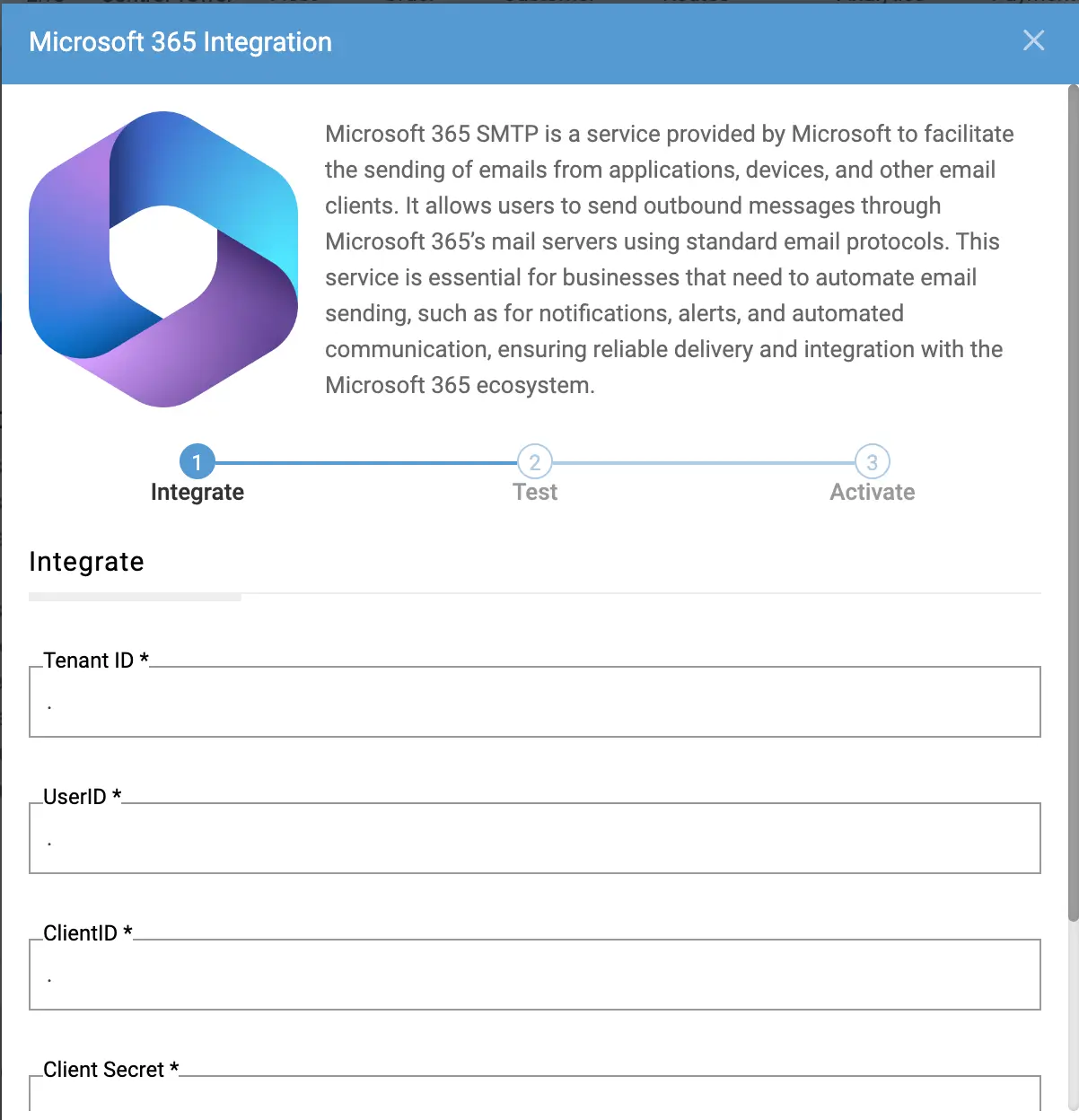
Connect your Microsoft 365 email account securely
- 2
Configure sender identity and preferences
- 3
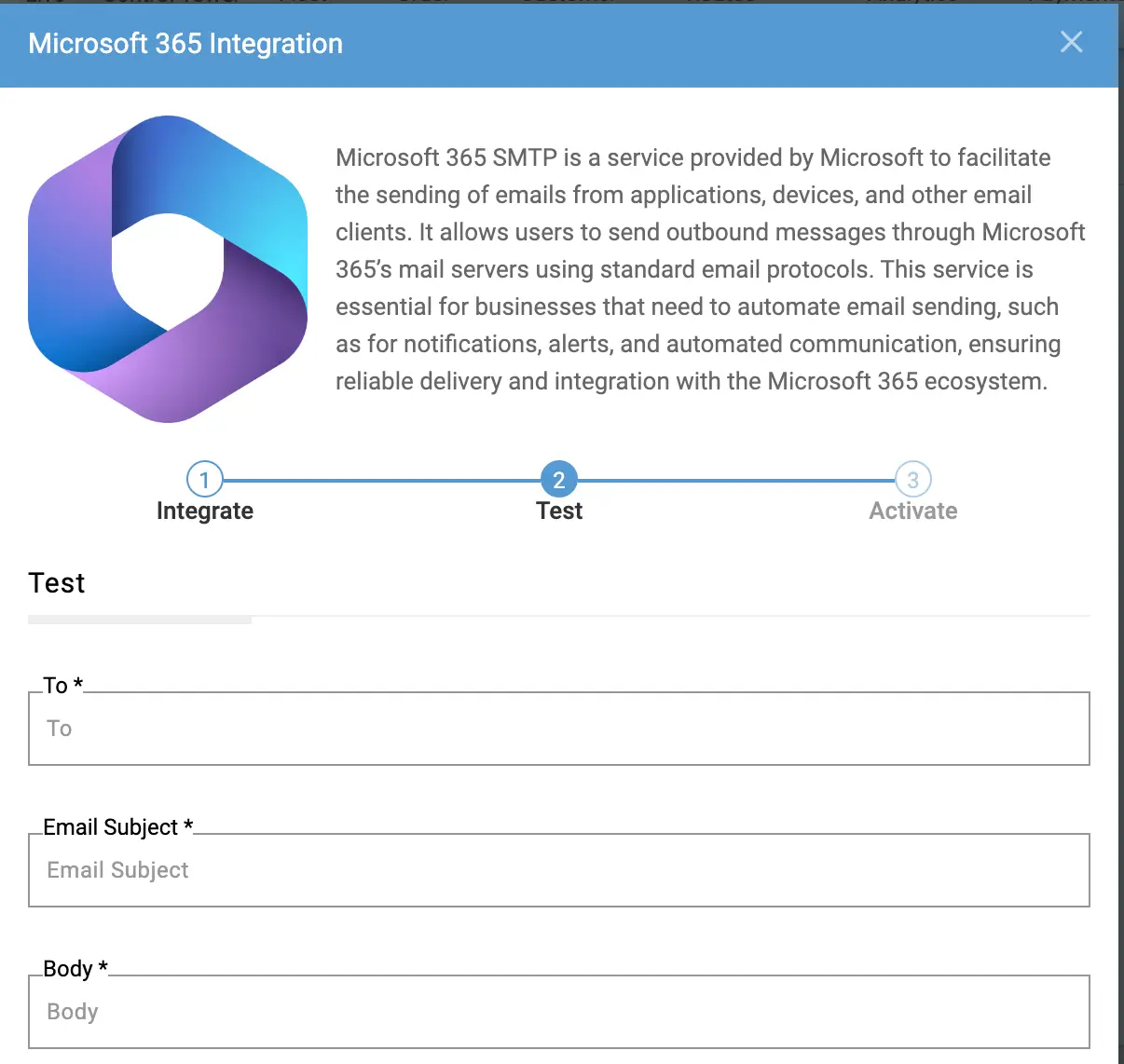
Enable automated notifications based on logistics events
Emails are triggered instantly for key milestones like Order Created, Shipment Dispatched, and Delivery Completed.
Built for Enterprise Logistics
Supports Third-Party Logistics (3PL) Integration workflows
Leverages enterprise email infrastructure and security standards
Enables event-driven communication automation
Ensures high reliability with Microsoft’s global ecosystem
Pair automated email with execution on the intelligent logistics platform and shipment visibility through real-time shipment tracking software. For AI third-party logistics services and retail logistics software, Microsoft 365 keeps every stakeholder message aligned with live operations.
The Result
- Secure communication.
- Consistent branding.
- Better customer experience.
Upgrade to Enterprise-Grade Email Communication
Frequently Asked Questions
What is Email Integration with Microsoft 365 in logistics?
Email Integration with Microsoft 365 enables logistics businesses to automate transactional email communication by connecting the LogiNext platform with Microsoft 365 email services. Shipment events such as order confirmations, dispatch notifications, ETA updates, and delivery confirmations can automatically trigger emails, ensuring customers and stakeholders receive timely updates throughout the delivery lifecycle.
How does Email Integration with Microsoft 365 improve enterprise logistics communication?
Email Integration with Microsoft 365 helps enterprises streamline shipment communication by automatically sending email notifications based on real-time logistics events. This reduces manual effort, improves visibility for customers and internal teams, and ensures consistent communication across high-volume logistics operations.
Can Email Integration with Microsoft 365 support multi-location and 3PL logistics operations?
Yes. Email Integration with Microsoft 365 is well suited for enterprise and Third-Party Logistics (3PL) operations that manage shipments across multiple warehouses, branches, and delivery partners. Automated email notifications help maintain consistent communication with customers and stakeholders regardless of which carrier or logistics partner fulfills the shipment.
How does Email Integration with Microsoft 365 work?
It connects your Microsoft 365 email account to automate emails triggered by real-time logistics events.
What types of emails can I send?
You can send order confirmations, shipment updates, delivery notifications, and internal alerts.
Can I use my company's email domain?
Yes. Emails are sent using your Microsoft 365 account, ensuring consistent branding and trust.
Is it secure for enterprise use?
Yes. Microsoft 365 provides enterprise-grade security, compliance, and data protection.