Auditor
The Auditor's Universe
A list view stripped of everything except pricing, tax fields, and billing status.
The Auditor's Universe
Focused lists for finance and compliance teams—only the columns that matter for audits and billing.

AI-native customization
The Death of the "One-Size-Fits-All" Dashboard
In most logistics platforms, you are a prisoner of the interface. You're forced to stare at 50 columns of data when you only care about three. You're trapped in a "standard" order form that asks for info your business doesn't even collect.
The result? Data fatigue, manual entry errors, and a team that hates their software.
The LogiNext Form and List Builder is your escape hatch. It is an AI-native customization engine that lets you strip away the noise and build the exact interface your team needs to move faster. No code. No developers. Just pure operational flow.
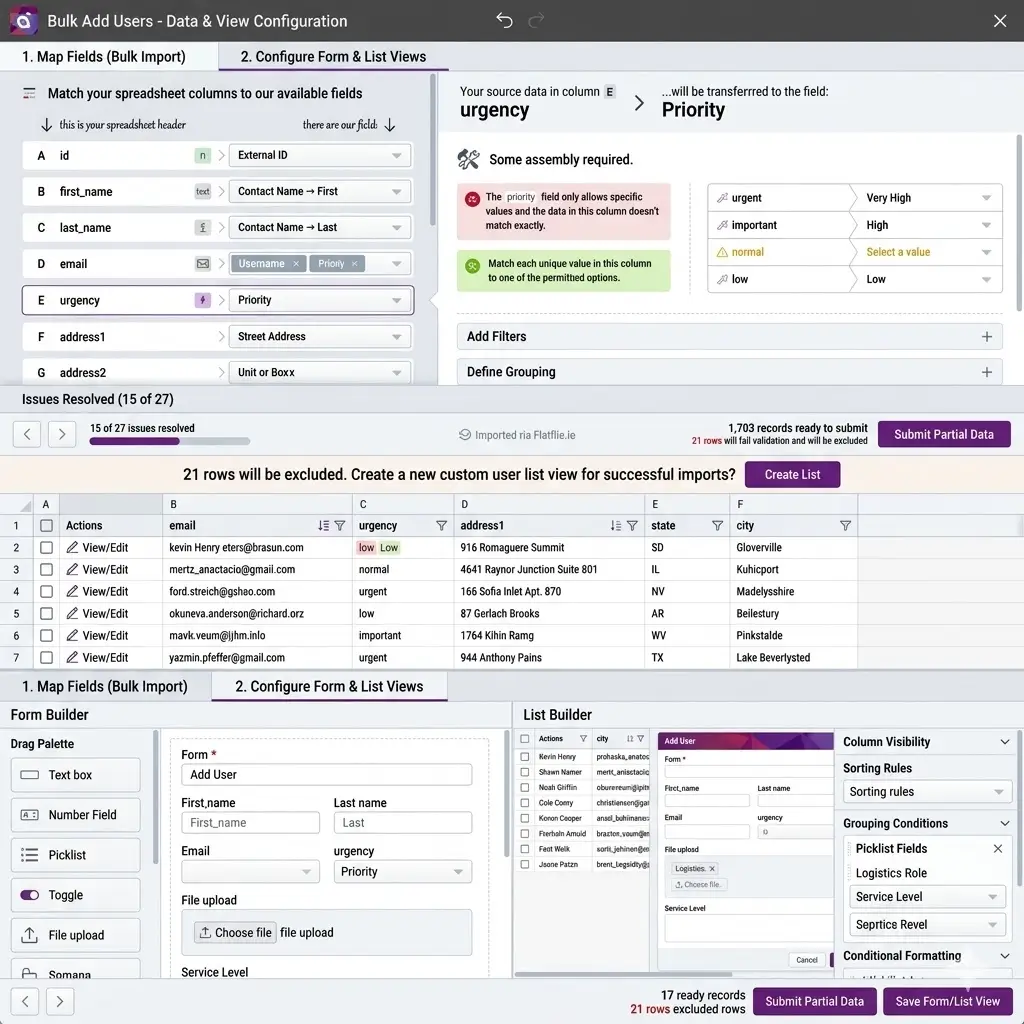
Most systems give you a list. We give you a List Strategy. The Form and List Builder allows you to architect distinct "Universes" for different team members.
A list view stripped of everything except pricing, tax fields, and billing status.
Focused lists for finance and compliance teams—only the columns that matter for audits and billing.
High-velocity views focusing on ETA, vehicle capacity, and driver skill sets—aligned with route and dispatch planning.
Everything your control tower needs to assign and adjust work without drowning in irrelevant fields.
A high-level summary view that hides the granular "noise" but highlights regional performance alongside live logistics signals.
Leadership sees trends and outcomes—not every line-item field from the field org.
Role-Based Linking: Once you build a template, you link it to a specific authorized access role. Your accounts team sees one world; your drivers see another. Total security, zero clutter.
Don't just collect data—validate it at the source. The Form and List Builder doesn't just change layouts; it enforces excellence through the AI Decision Layer.
| Feature | What You Can Actually Do | The Business Payoff |
|---|---|---|
| Drag-and-Drop Sequencing | Move "Customer Signature" to the top or "Gate Code" to the front. | Reduces "scroll fatigue" for field associates by 40%. |
| The Mandatory Toggle | Make a field required (like "Weight" or "Hazmat Type"). | Eliminates "Garbage In" data that breaks your trip planning. |
| Field Masking/Hiding | Hide sensitive customer phone numbers or internal costs. | Native global delivery address management and privacy compliance. |
| Bulk Template Sync | Changes to your form automatically update your Excel upload templates. | 100% consistency between manual entry and bulk imports. |
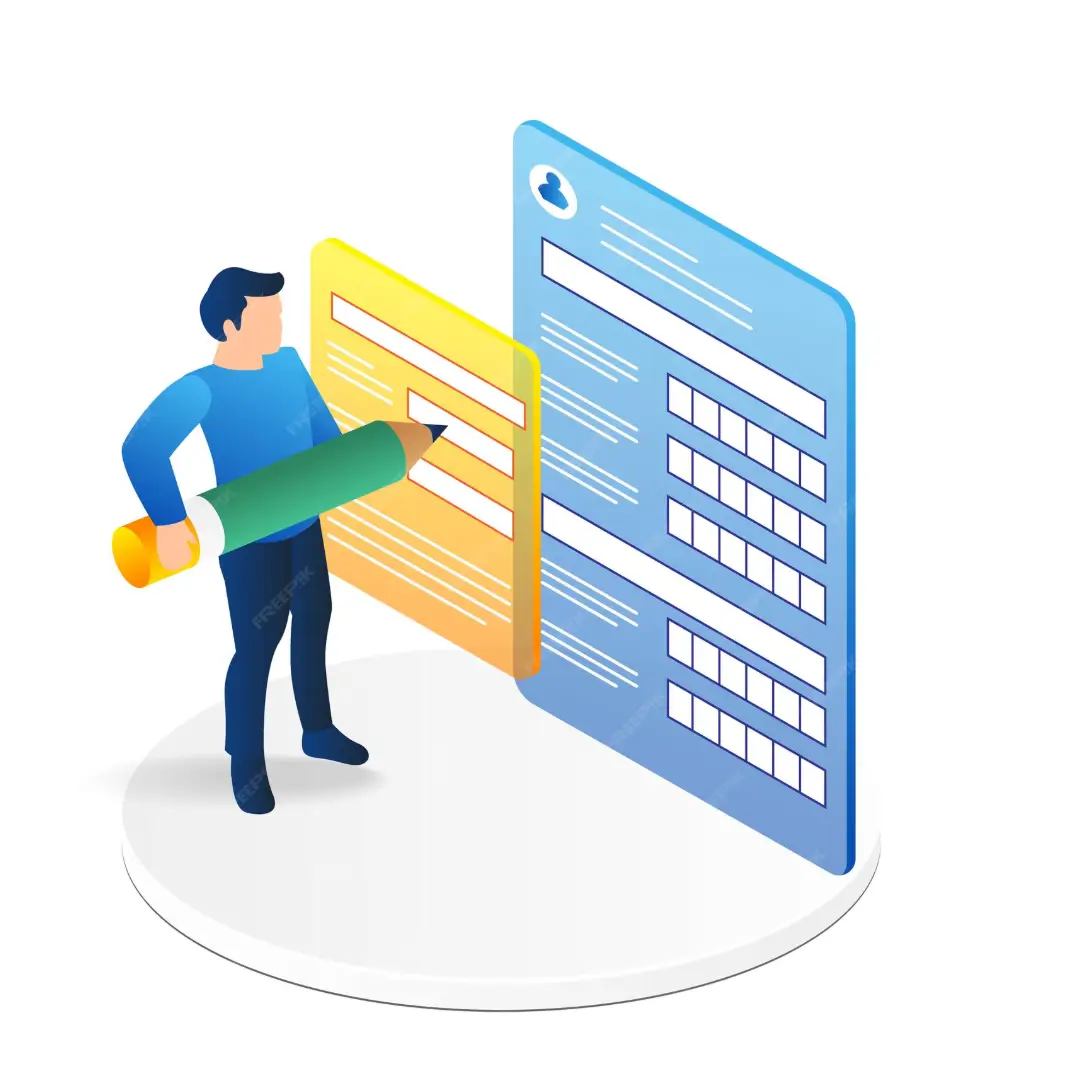
A Middle Eastern distribution giant was managing 20 different branches, each with a different way of describing a "Delivery Point." Their central database was a mess of "Landmarks," "Pincodes," and "Instructions."
By using the Form and List Builder, they created a "Master Delivery Form" where regional address format configuration was enforced. They hid irrelevant fields for urban branches and made "Loading Dock Height" mandatory for industrial ones.
Data reconciliation time dropped from 4 hours a day to 15 minutes.
Every branch finally spoke the same data language.
Quick answers
Roll out custom forms and list views with confidence—setup, regions, safety nets, driver app, and preview mode.
Not at all. It’s a visual, drag-and-drop tool within the LogiNext’s Settings menu. If you can move an icon on your phone, you can build a logistics form.
Yes! You can configure separate "Add Order" or "Customer Profile" templates for different branches and link them to the specific roles in those regions.
The system has a safety net. Any role linked to a deleted template is automatically reassigned to your "Favorite" or default template, so operations never stop.
Absolutely. The sequence and visibility of fields you set in the Form and List Builder translate directly to what the delivery associate sees on their device.
Yes. Every template has a "Preview" mode so you can test the flow before clicking "Publish."
Your business isn't standard, so why is your software?
Standardize your data quality.
Customize your user experience.
Authorize the right views for the right roles.